

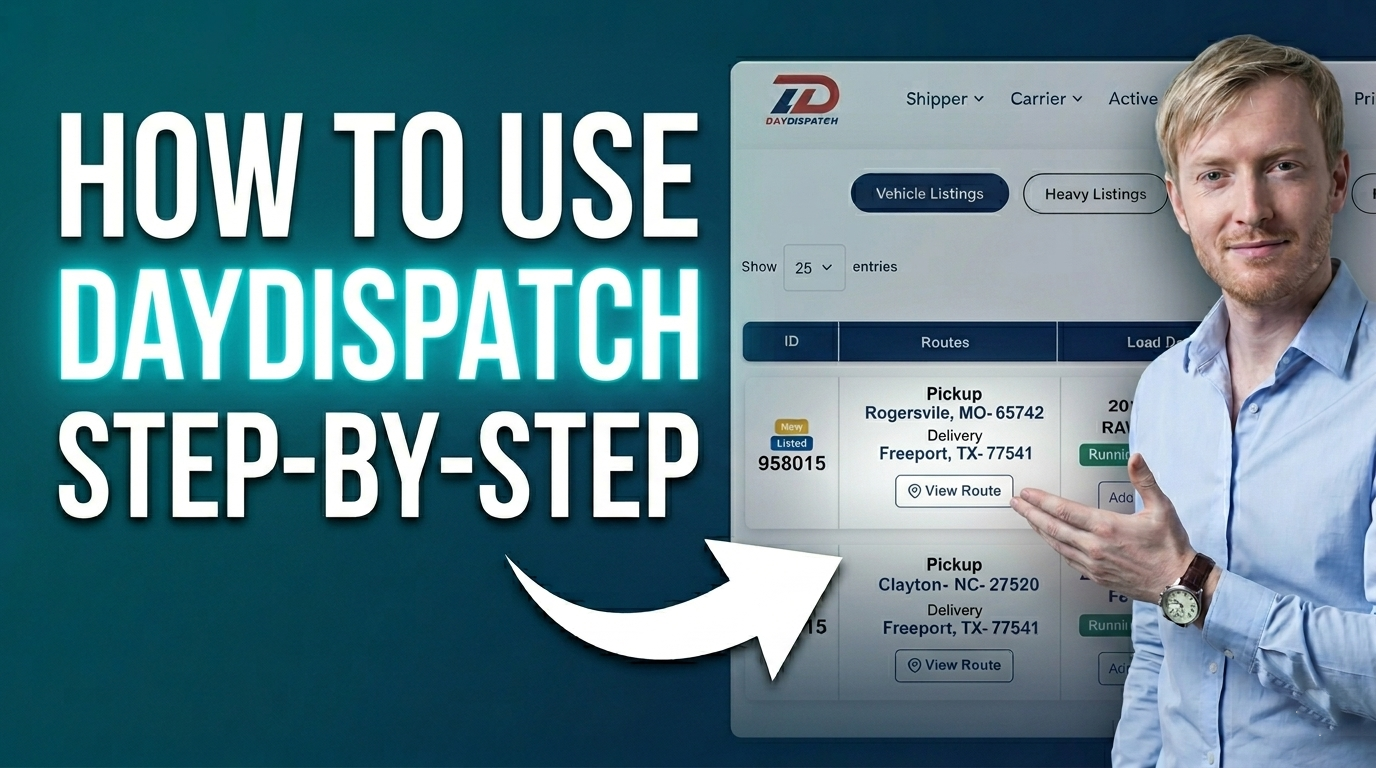
How to see Bids or Requests of Listings
An overview of how users can access and review bids or requests received on their listings.
Learn More

An overview of how users can access and review bids or requests received on their listings.
Learn More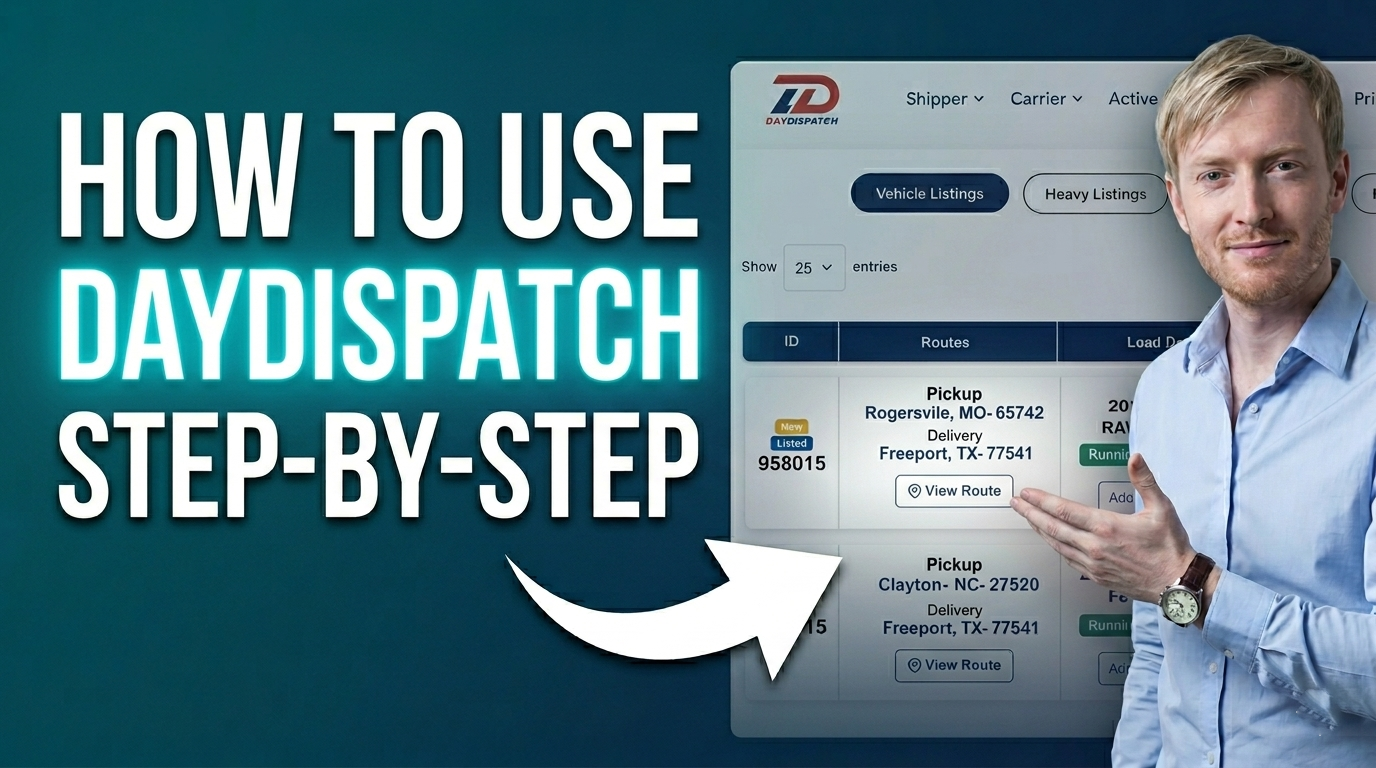
An overview of how users can access and review cancelled listings or shipments on the platform.
Learn More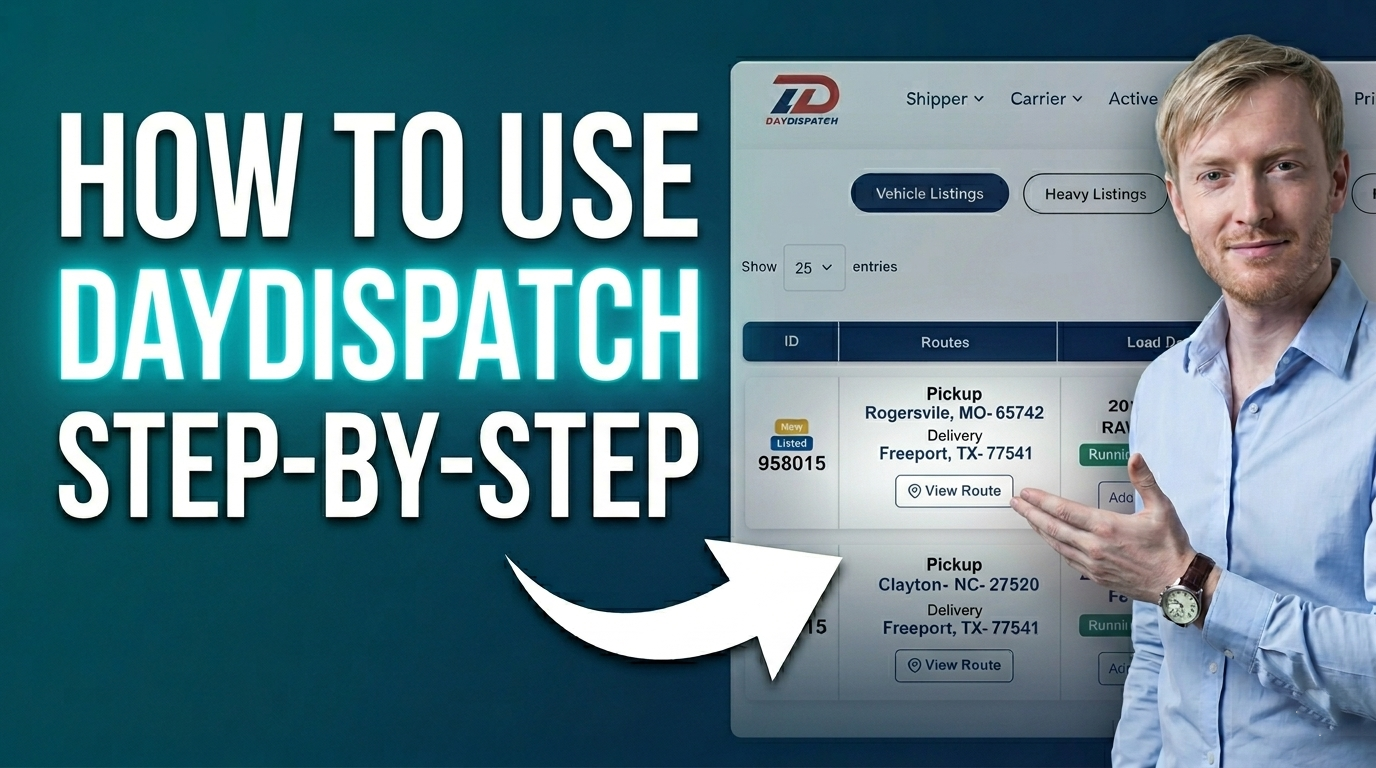
An overview of how users can access and review delivered shipments on the platform.
Learn More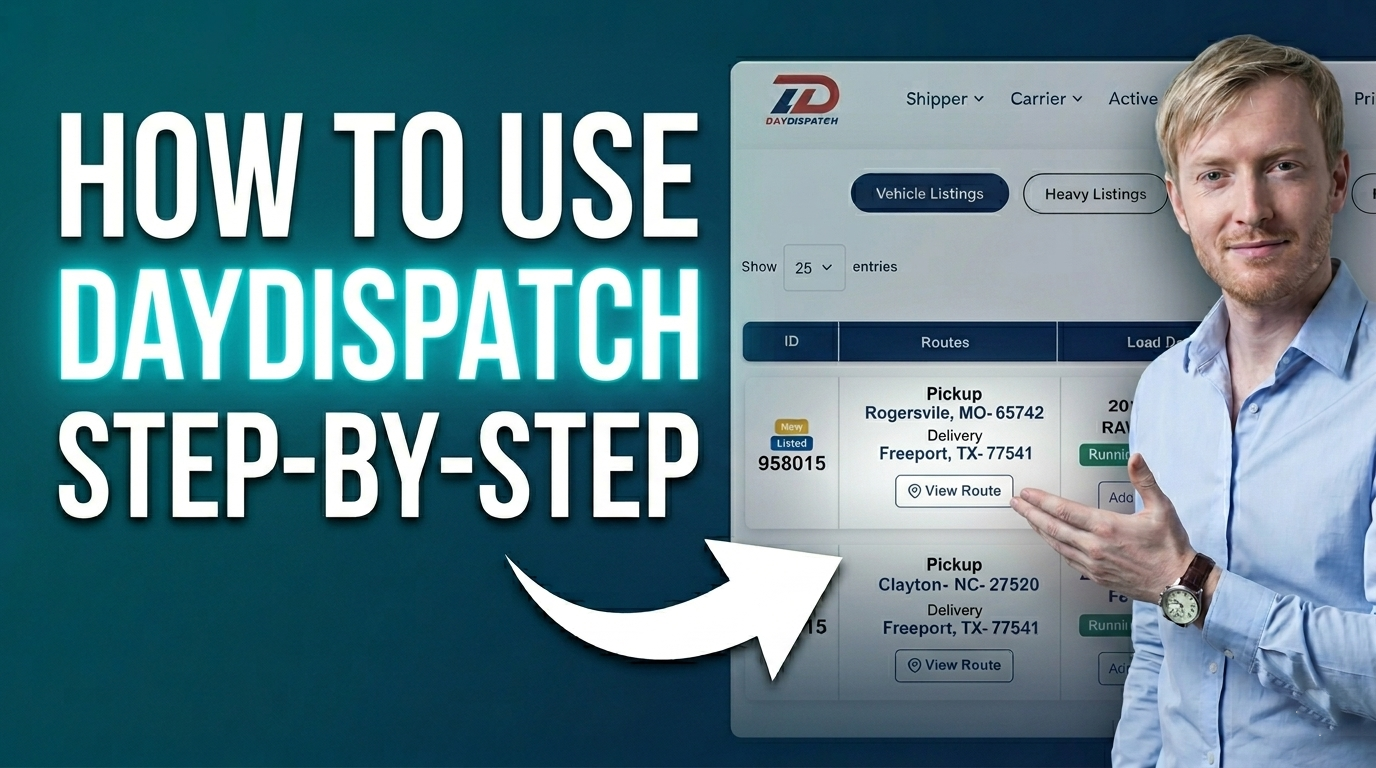
An overview of how users can access and monitor shipments currently in the dispatch stage.
Learn More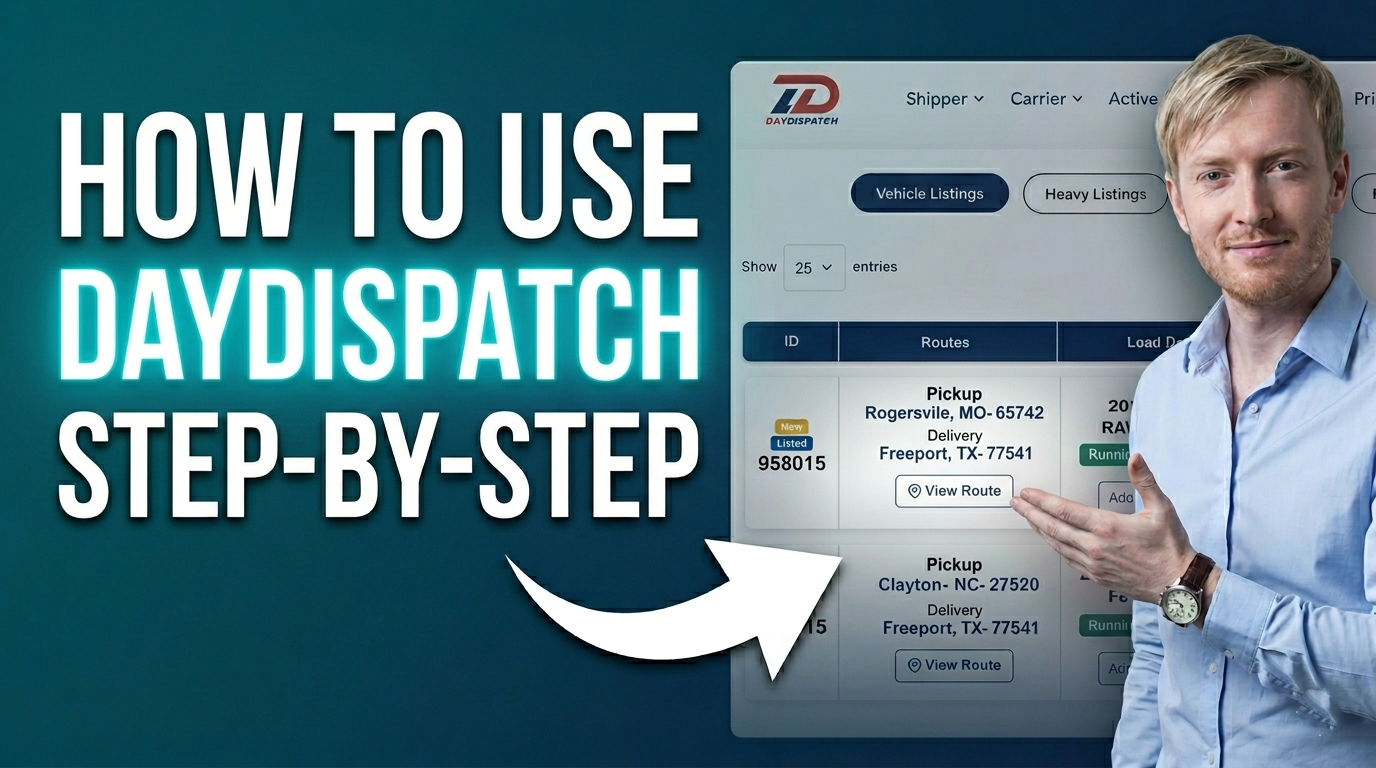
An overview of how users can access and review shipments scheduled for pickup.
Learn More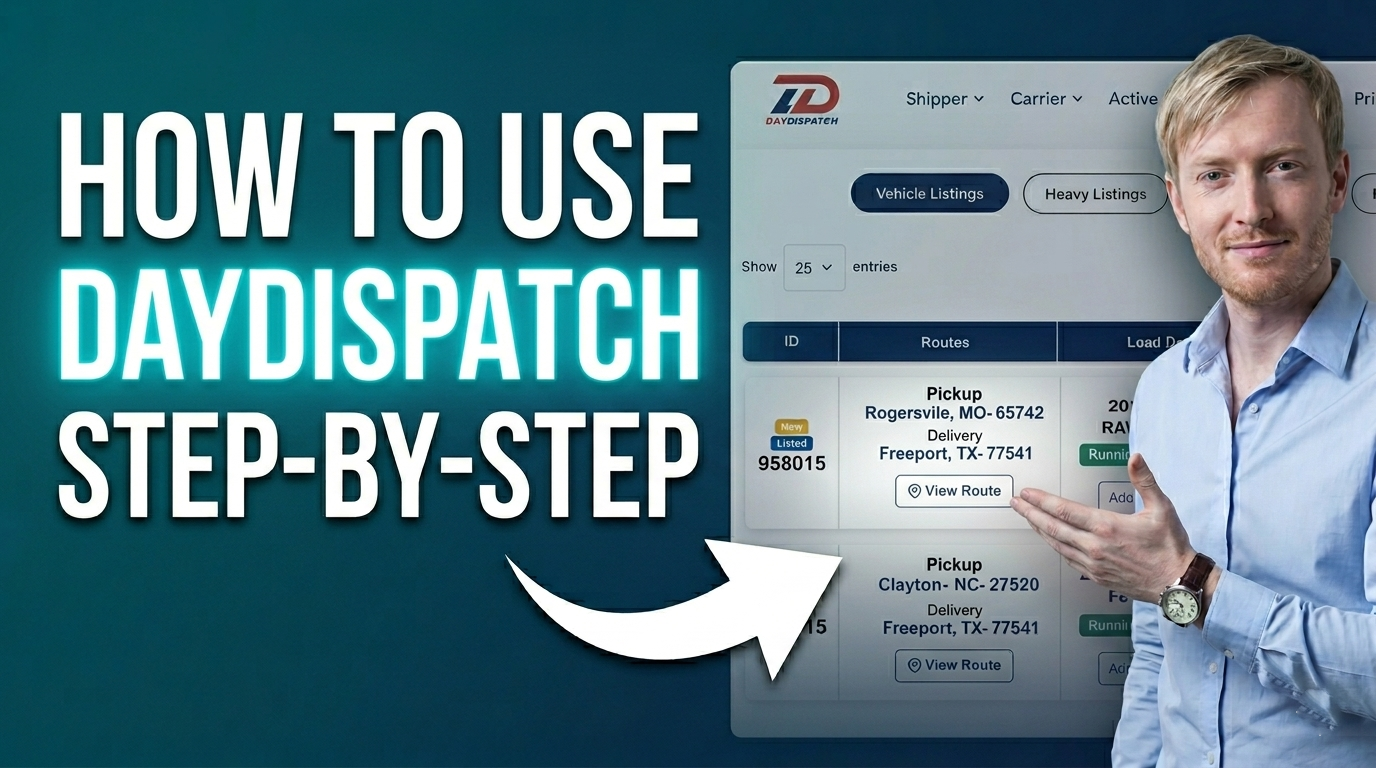
An overview of how shippers can view and manage all their created shipment listings in one place.
Learn More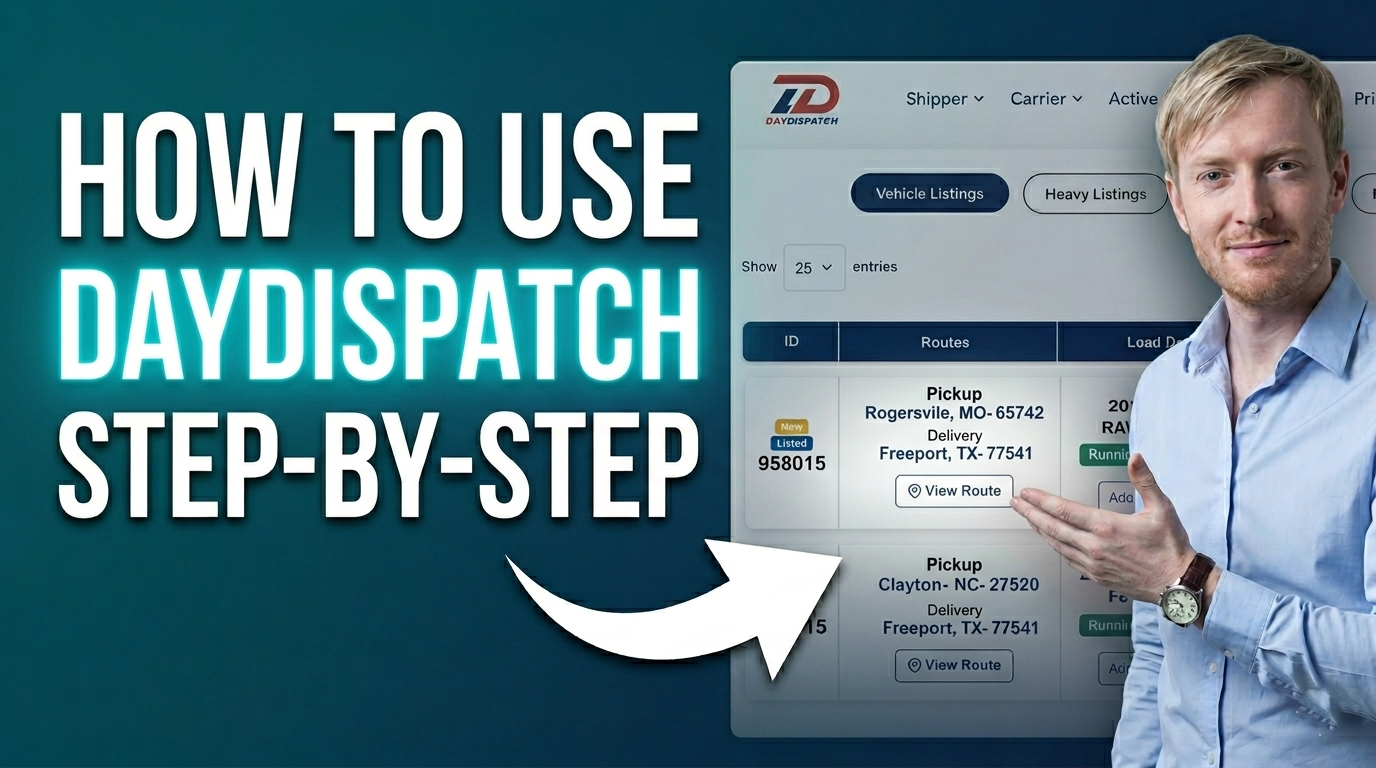
An overview of how users can view and manage items that are currently awaiting approval on the platform.
Learn More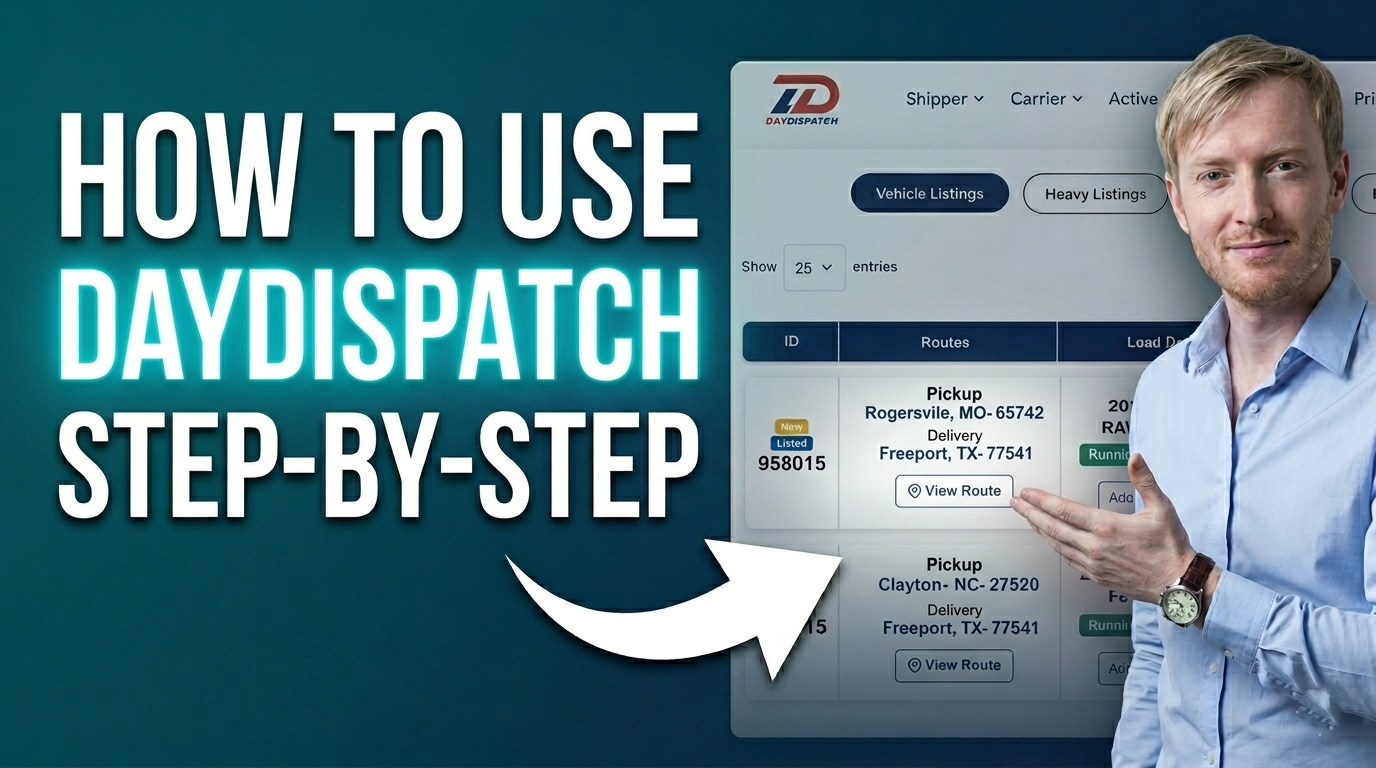
An overview of how users can create and confirm a new order from the CRM dashboard.
Learn More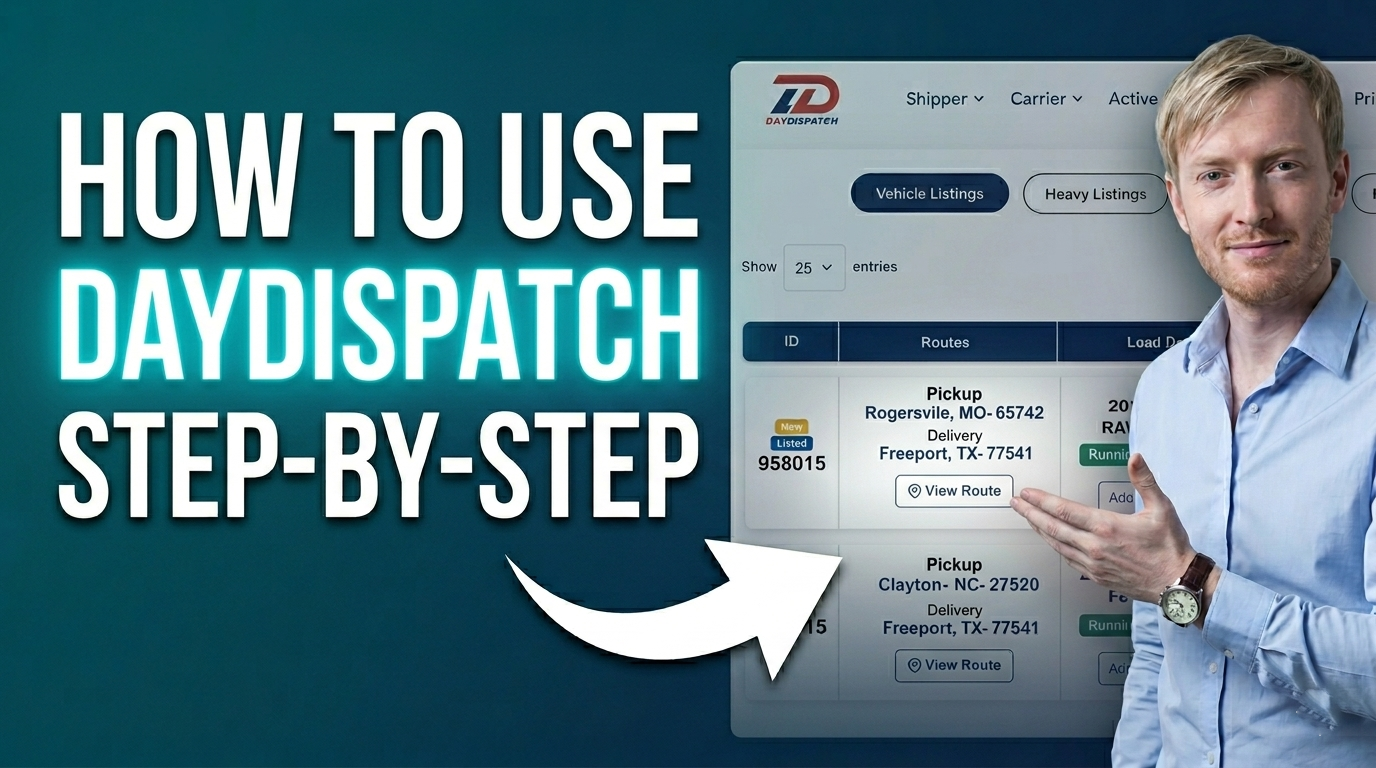
An overview of how users can view and track all cancelled orders within the CRM dashboard.
Learn More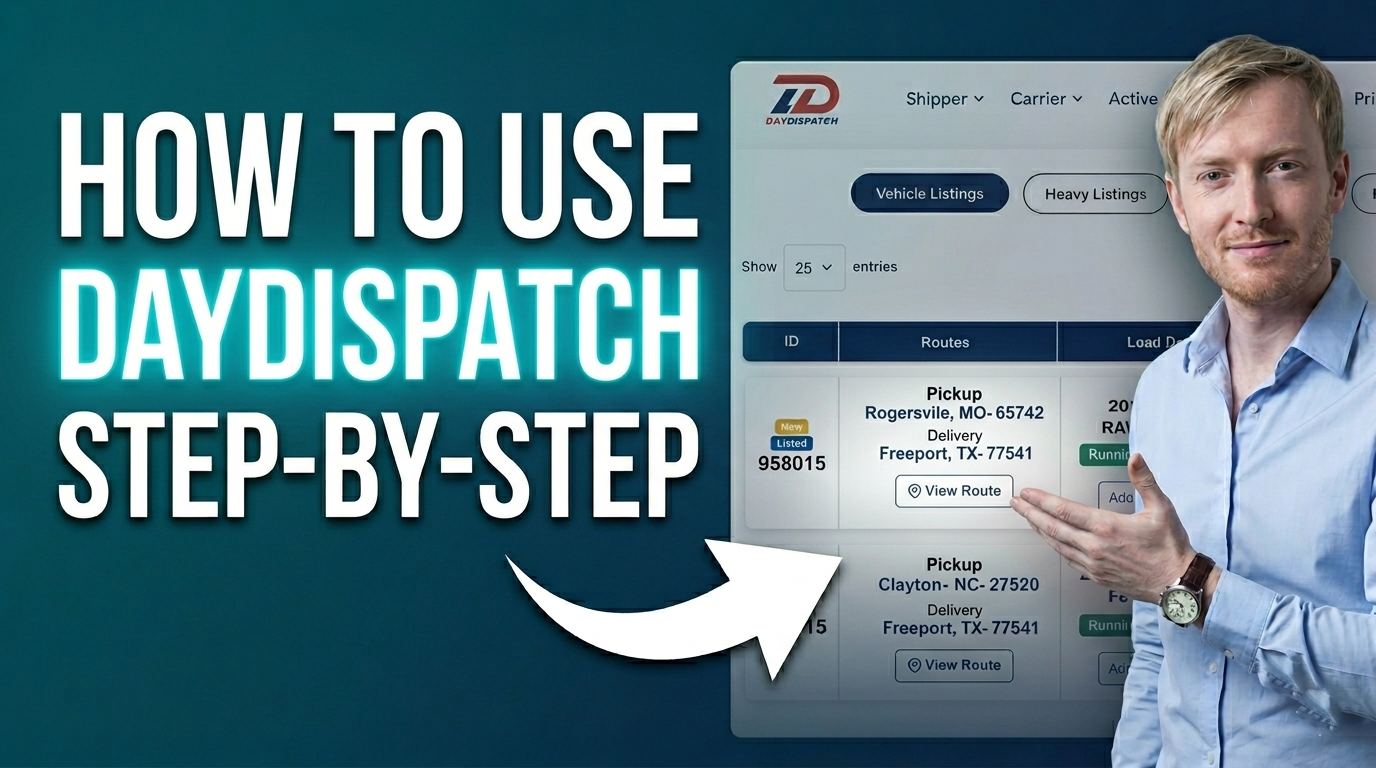
An overview of how users can organize orders using custom status folders in the CRM dashboard.
Learn More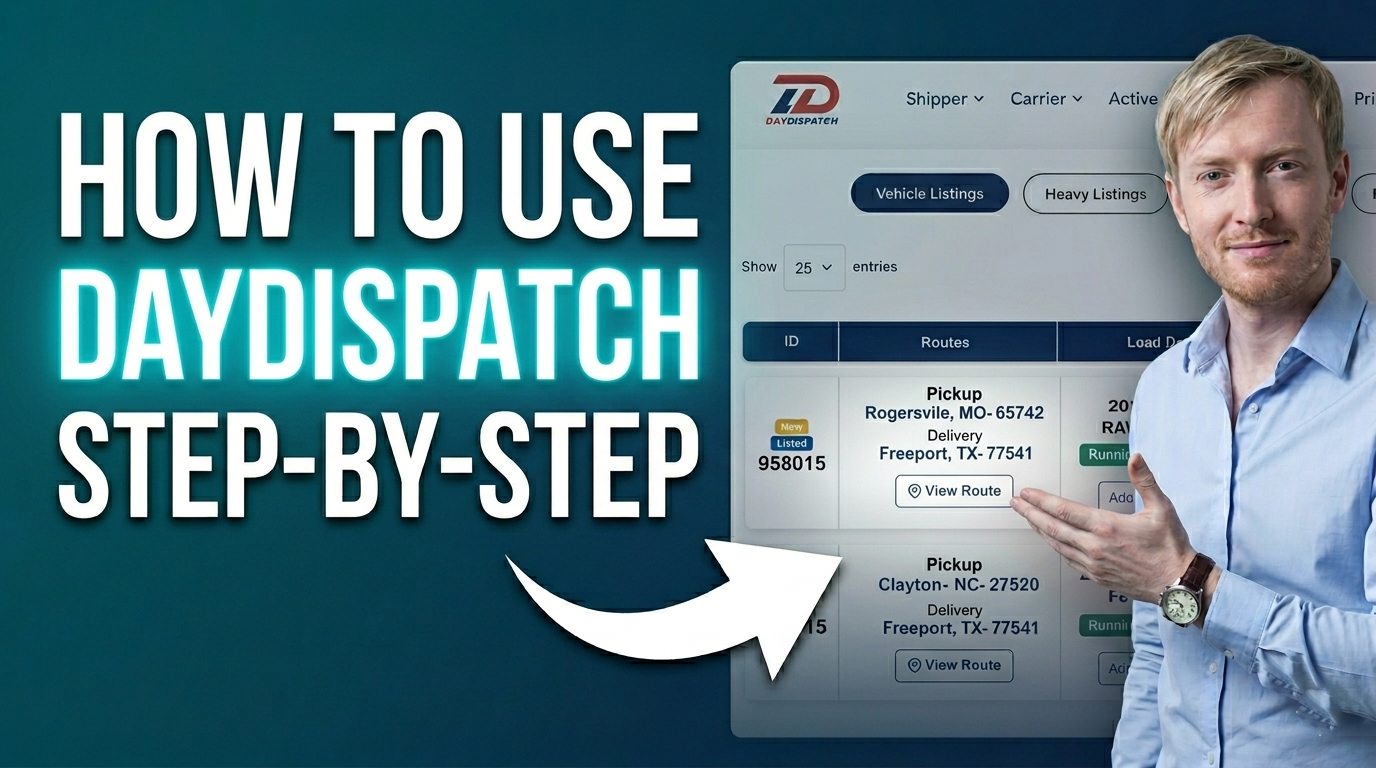
An overview of how users can access and manage the customer list within the CRM dashboard.
Learn More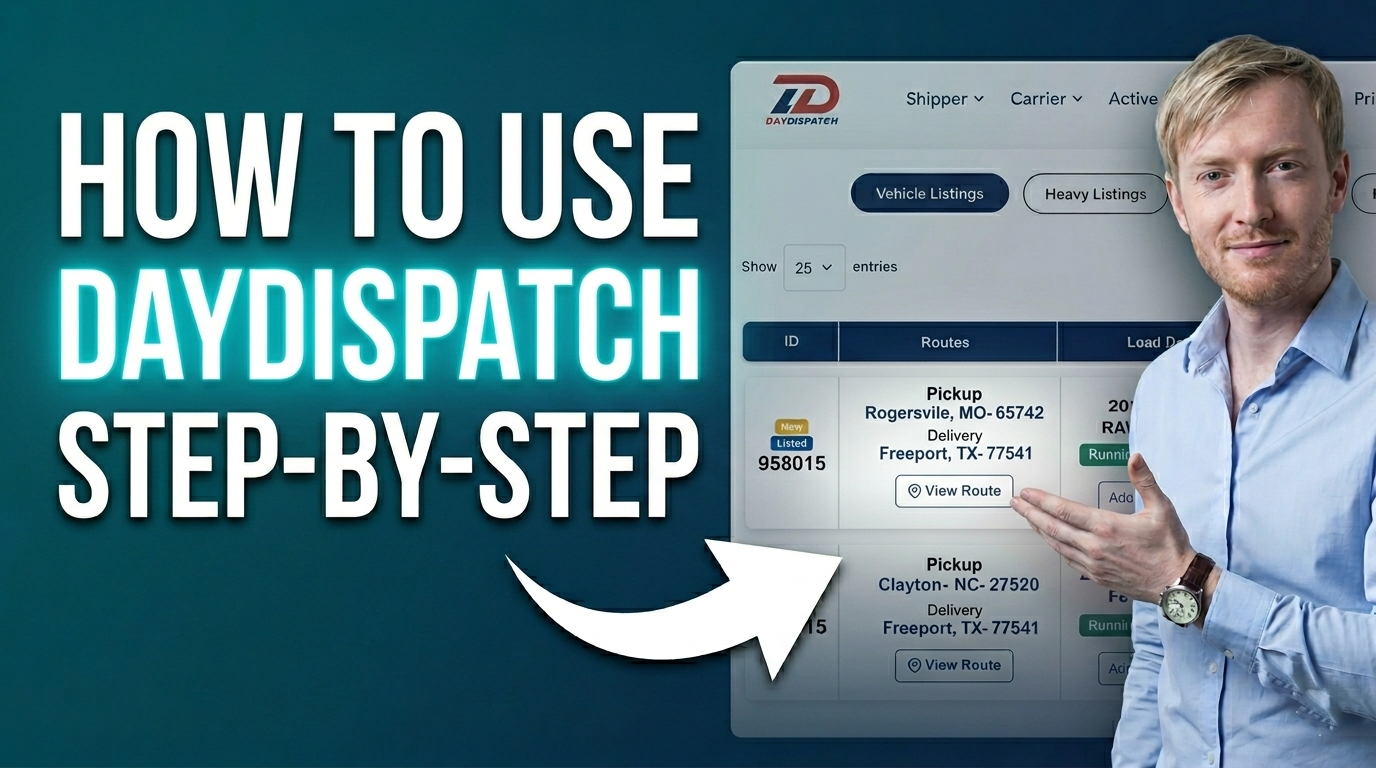
An overview of how users can access and review orders that have been deleted in the CRM dashboard.
Learn More
An overview of how users can generate and manage freight shipping quotes within the CRM dashboard.
Learn More
An overview of how users can create and manage shipping quotes for heavy vehicles within the CRM dashboard.
Learn More
An overview of how users can configure and manage the order form within the CRM dashboard.
Learn More
An overview of how users can generate quick shipment pricing using the instant pricing tool.
Learn More
An overview of how users can access and track custom quote statuses within the CRM dashboard.
Learn More
An overview of how users can view and track activity history using the timeline section in the CRM dashboard.
Learn More
An overview of how users can generate and manage vehicle shipping quotes within the CRM dashboard.
Learn More
An overview of how users can access and review items they have saved in their watchlist.
Learn More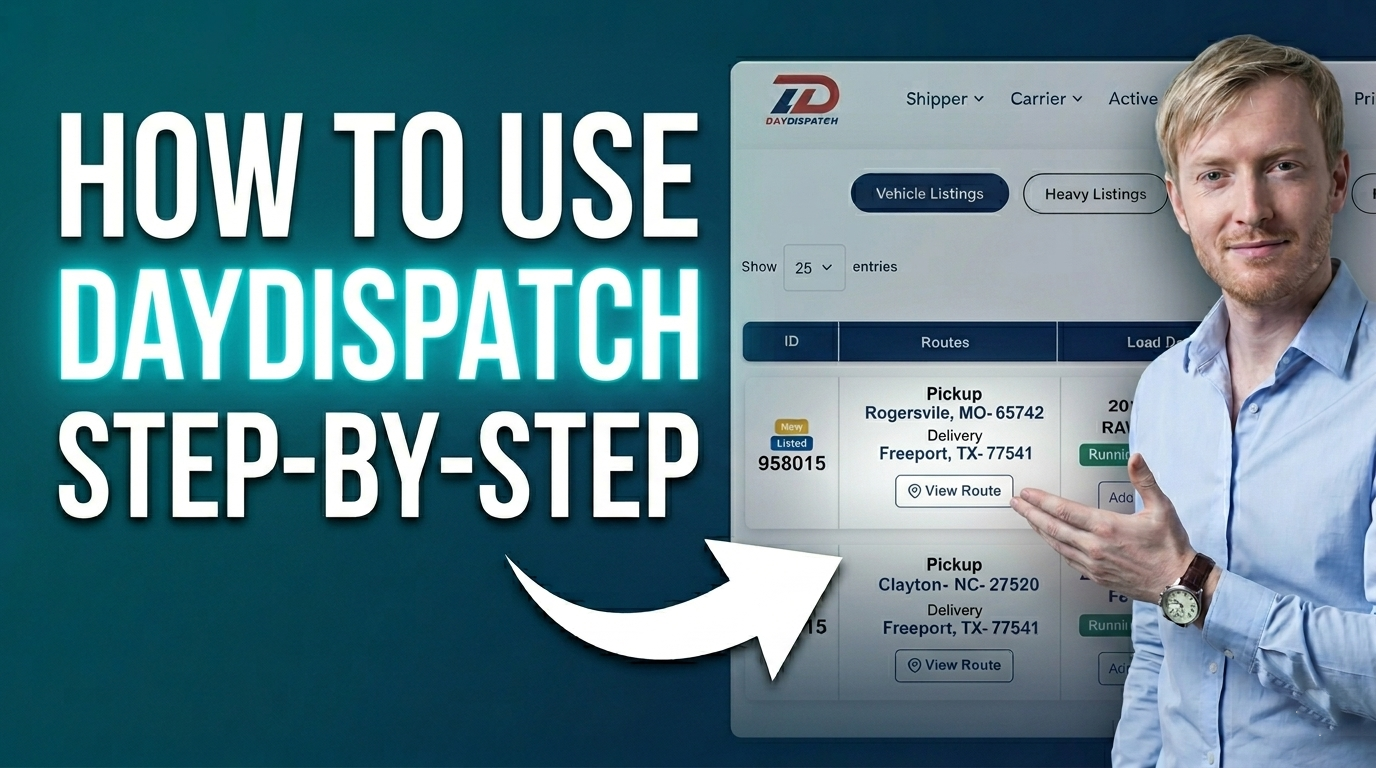
An overview of how carriers can access and review shipments or requests pending approval.
Learn More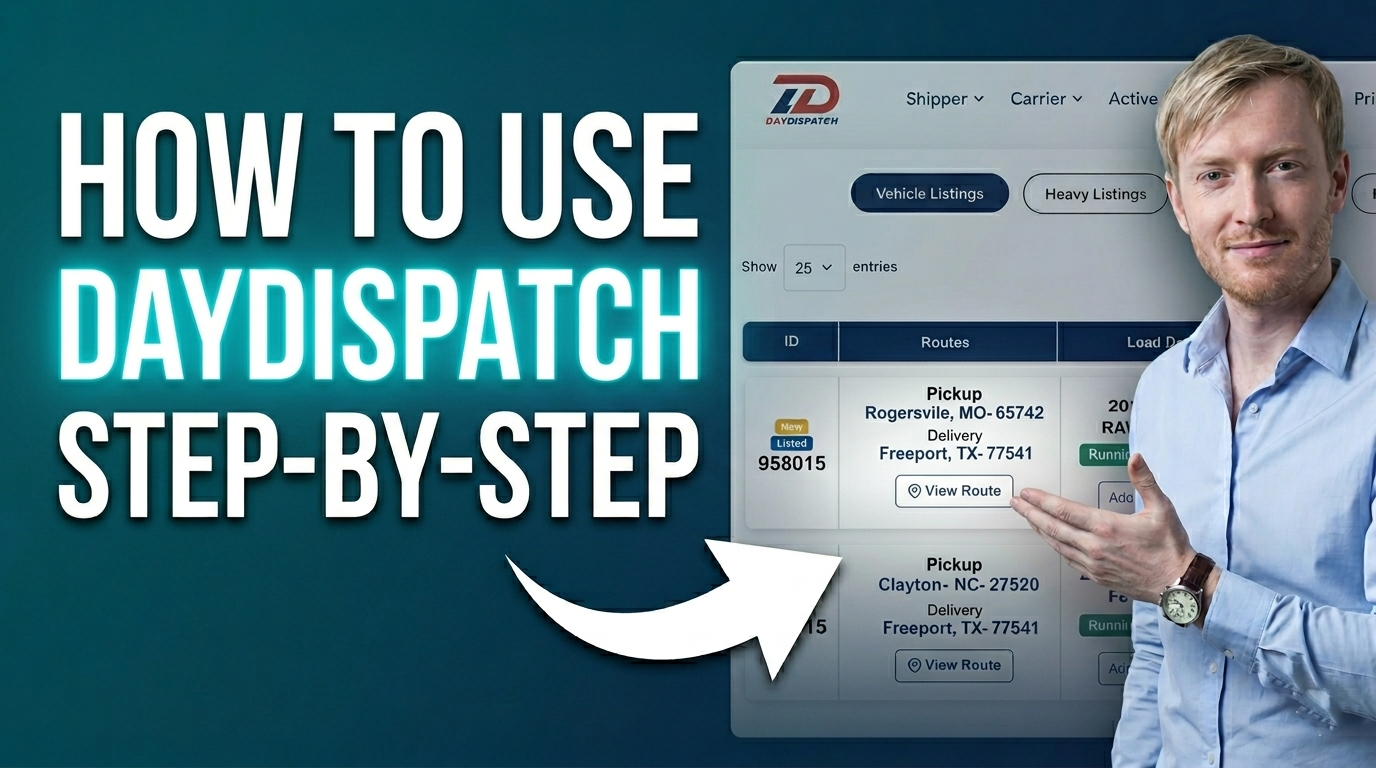
An overview of how users can search and find available freight loads on the platform.
Learn More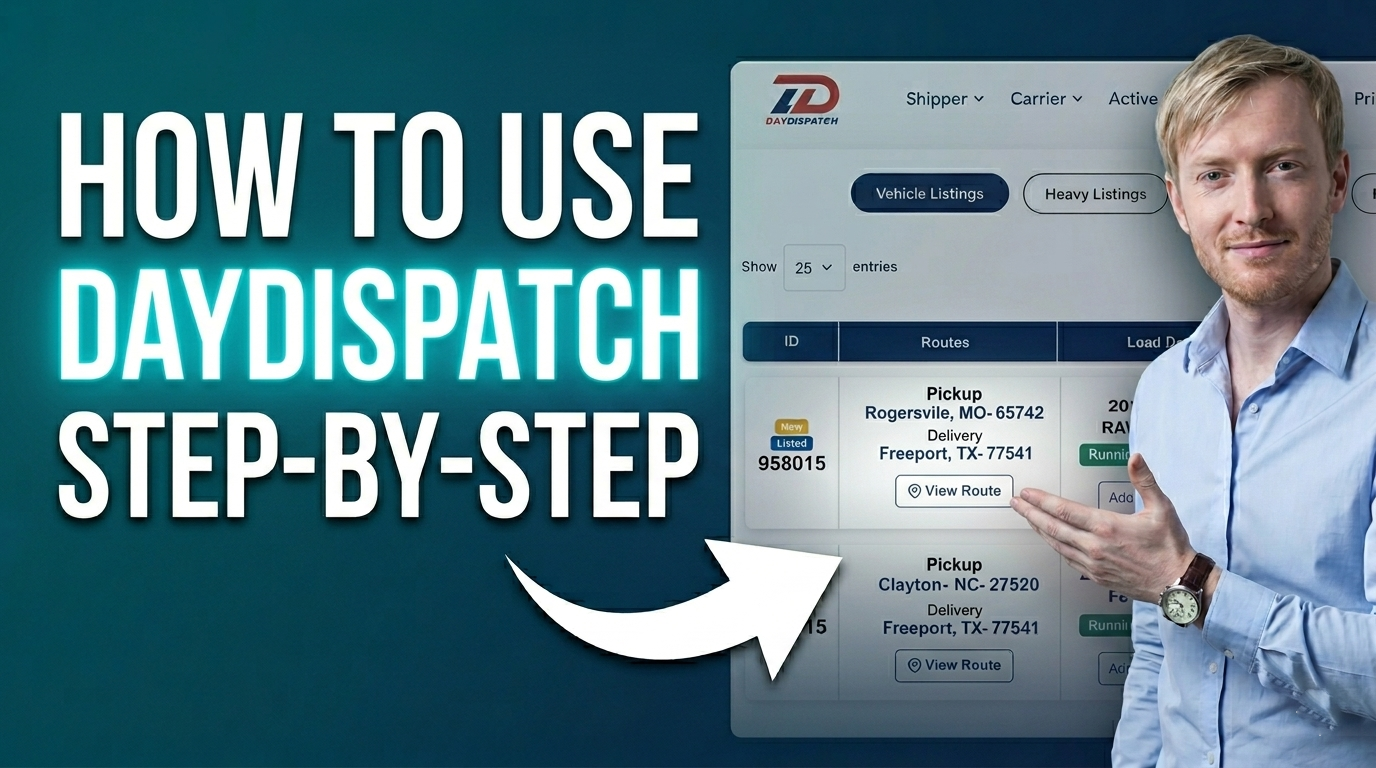
An overview of how carriers can access and review shipments scheduled for pickup.
Learn More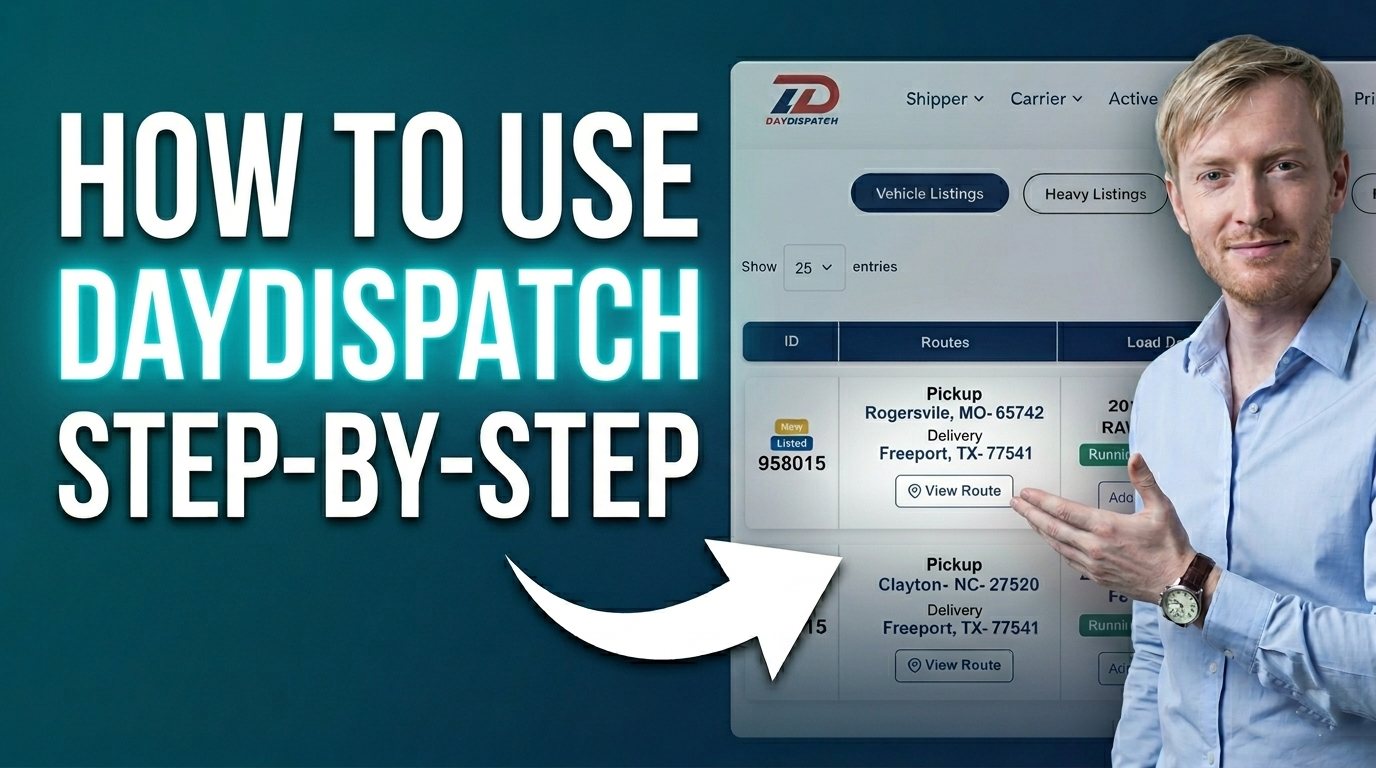
An overview of how carriers can access and review shipments that are currently dispatched.
Learn More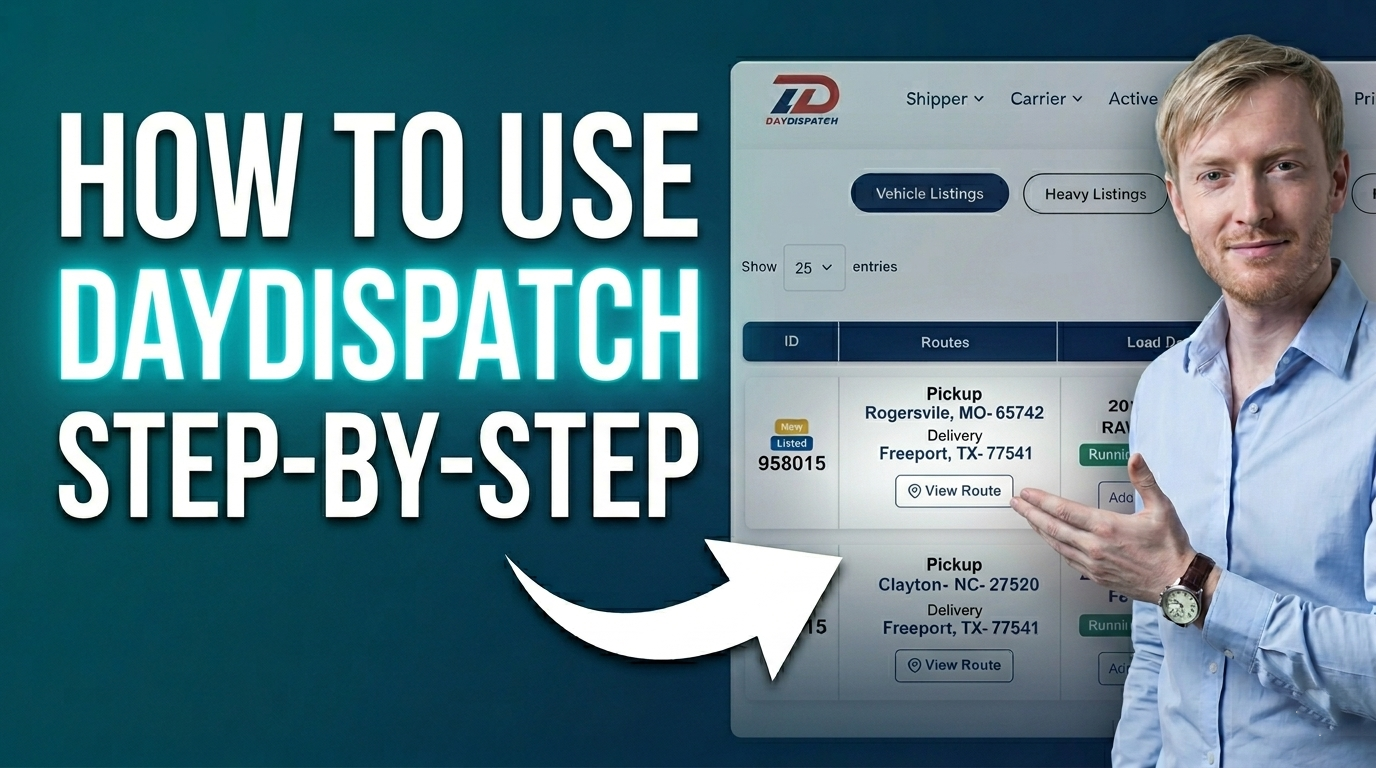
An overview of how carriers can access and review all successfully completed and delivered shipments.
Learn More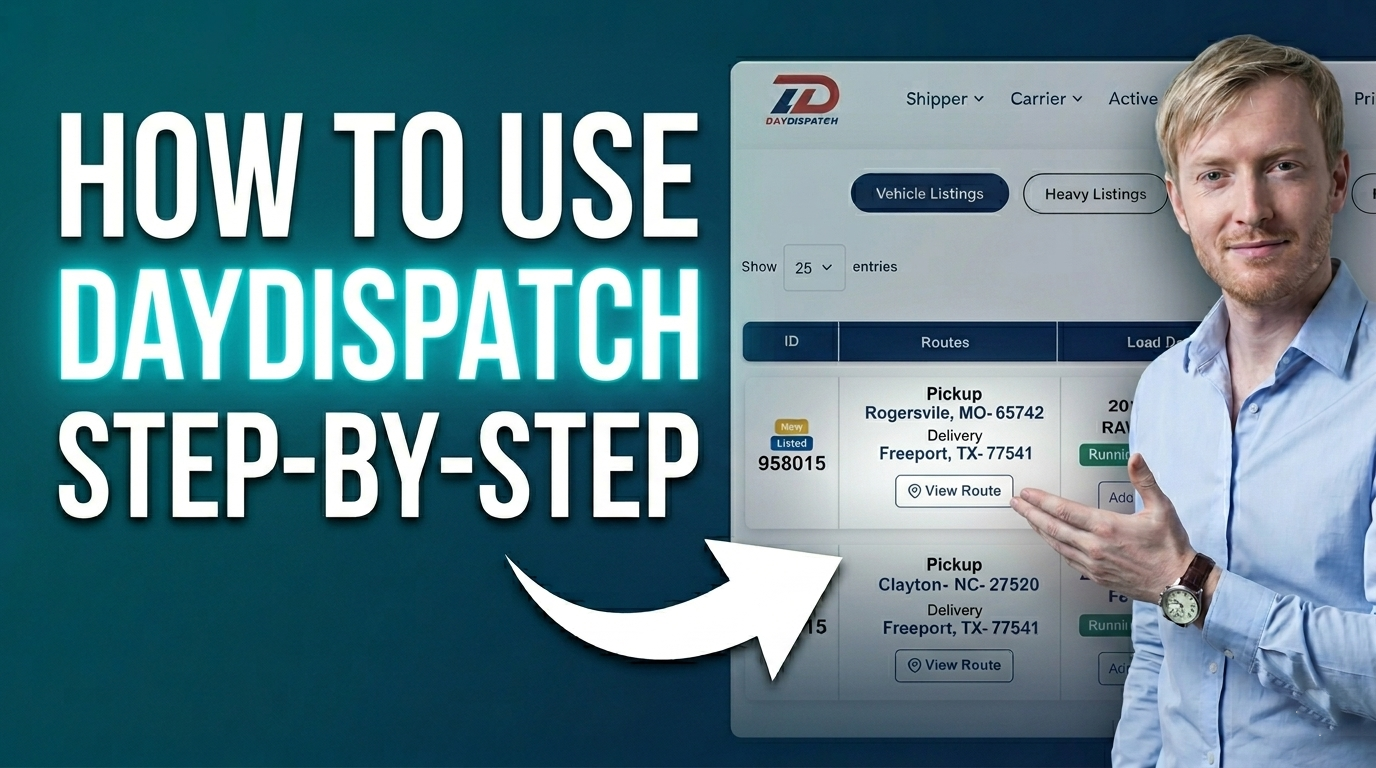
An overview of how carriers can access and review canceled shipments and requests within the platform.
Learn More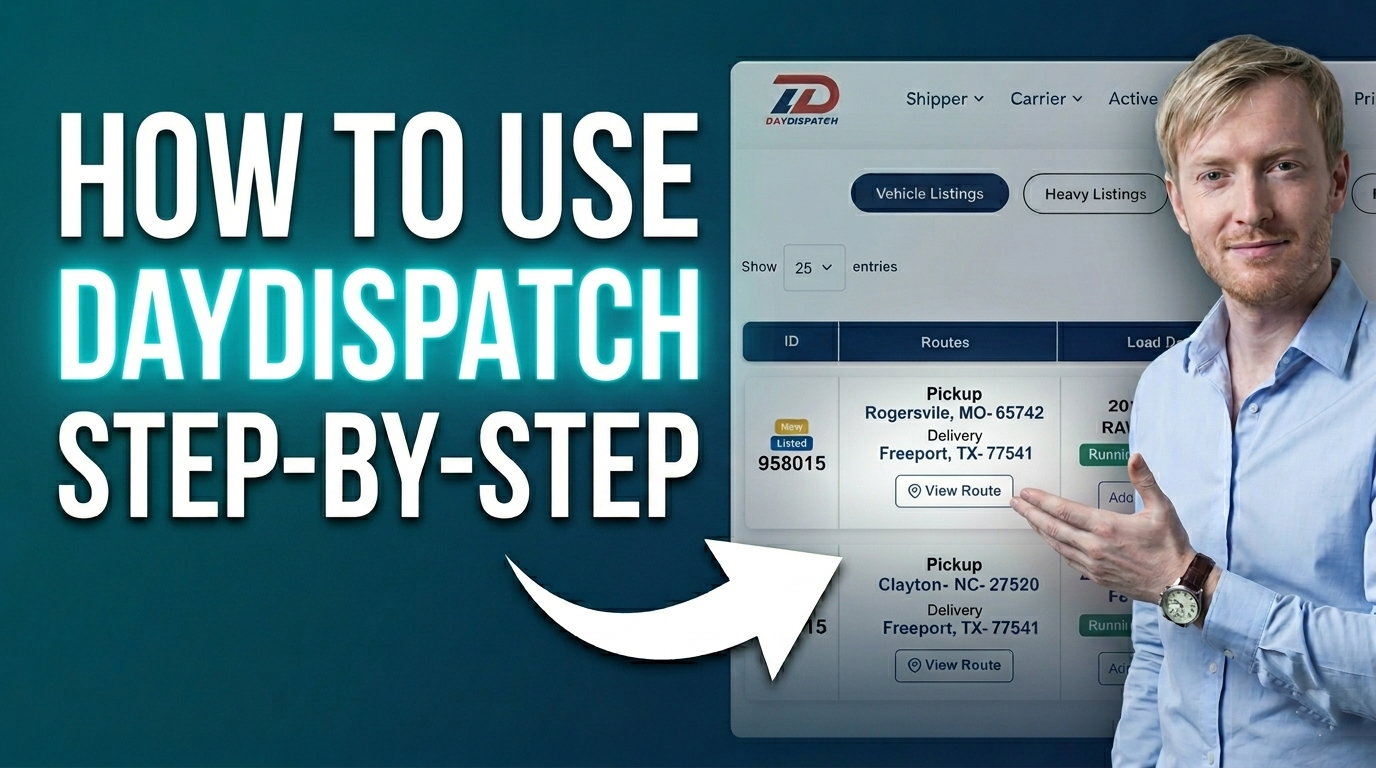
An overview of how carriers can access and review bid requests submitted to them on the platform.
Learn More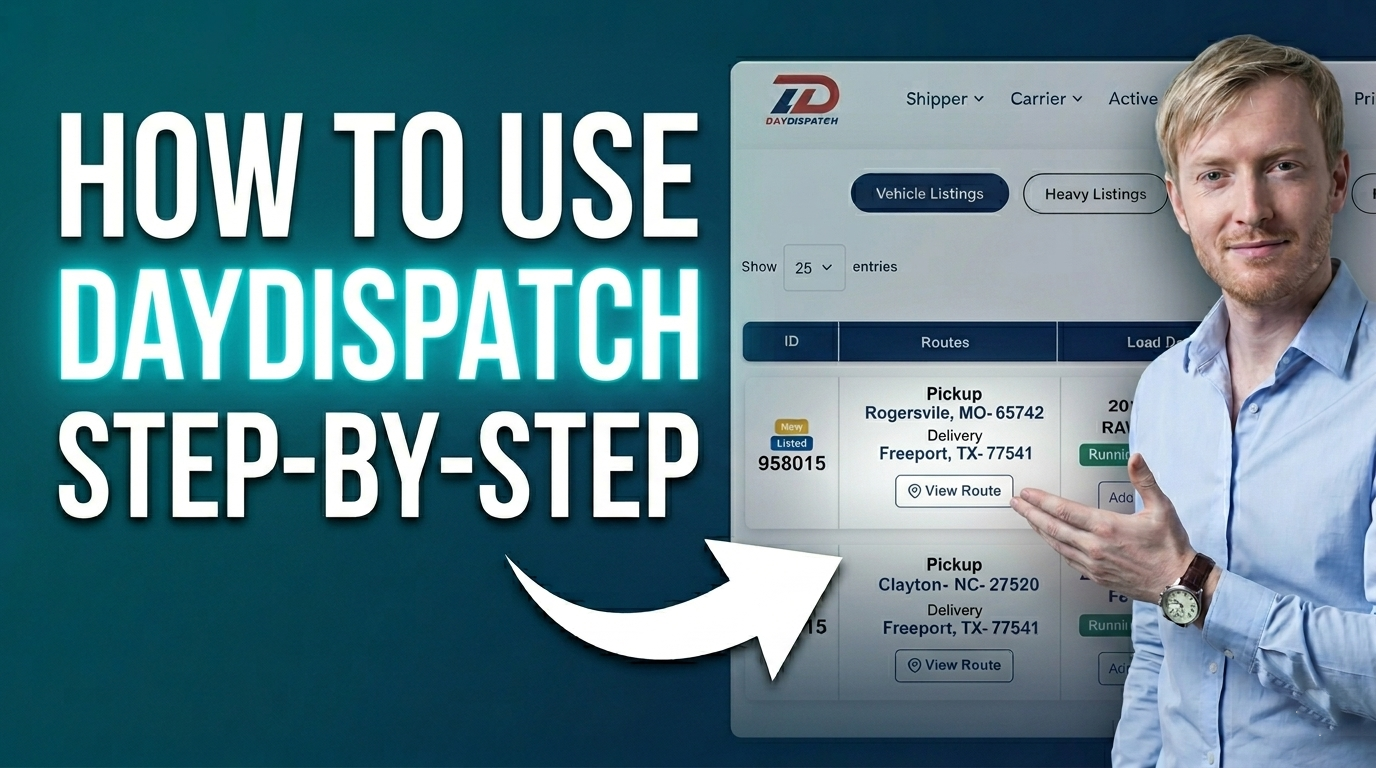
An overview of how carriers can access and review archived records within the platform.
Learn More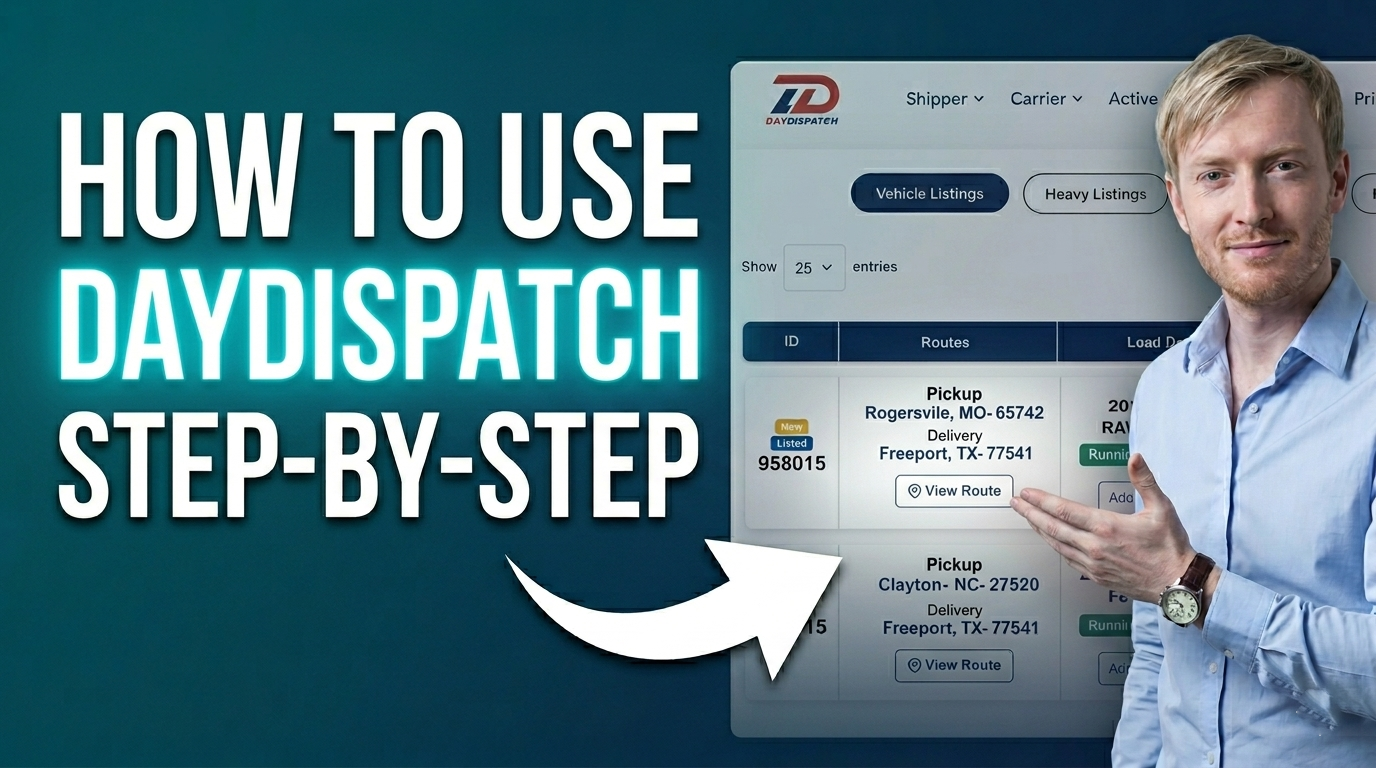
An overview of how users can access and review available seat plans within the platform.
Learn More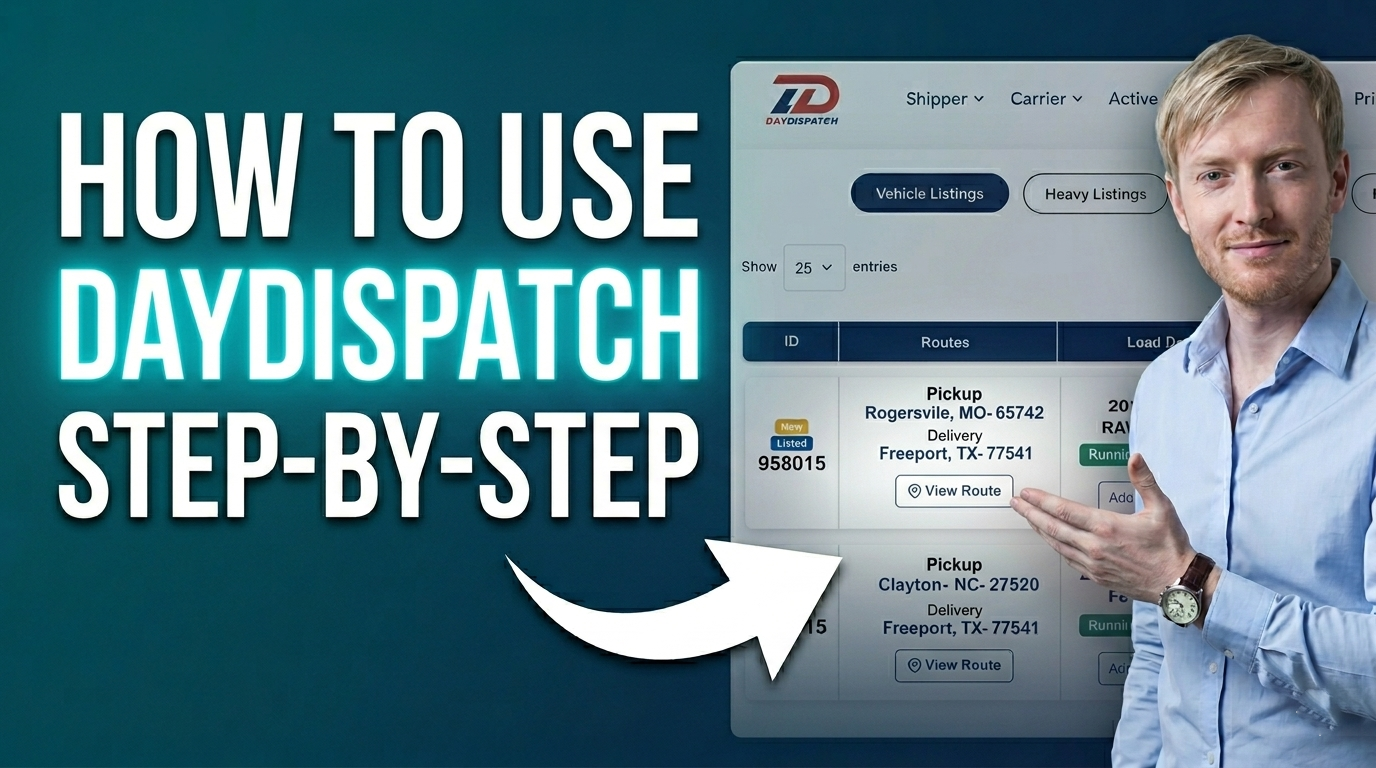
An overview of how users can access and review their ratings on the platform.
Learn More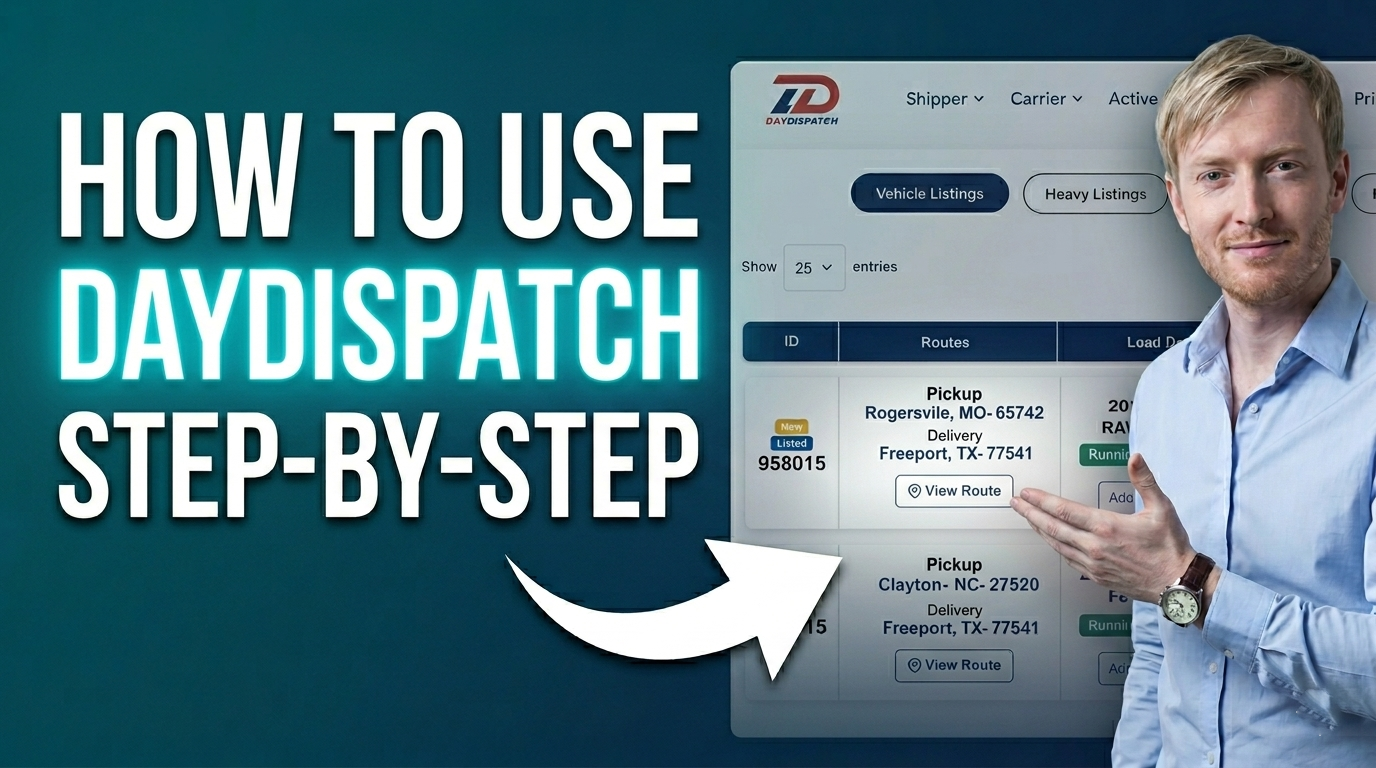
An overview of how users can access and review their web notifications on the platform.
Learn More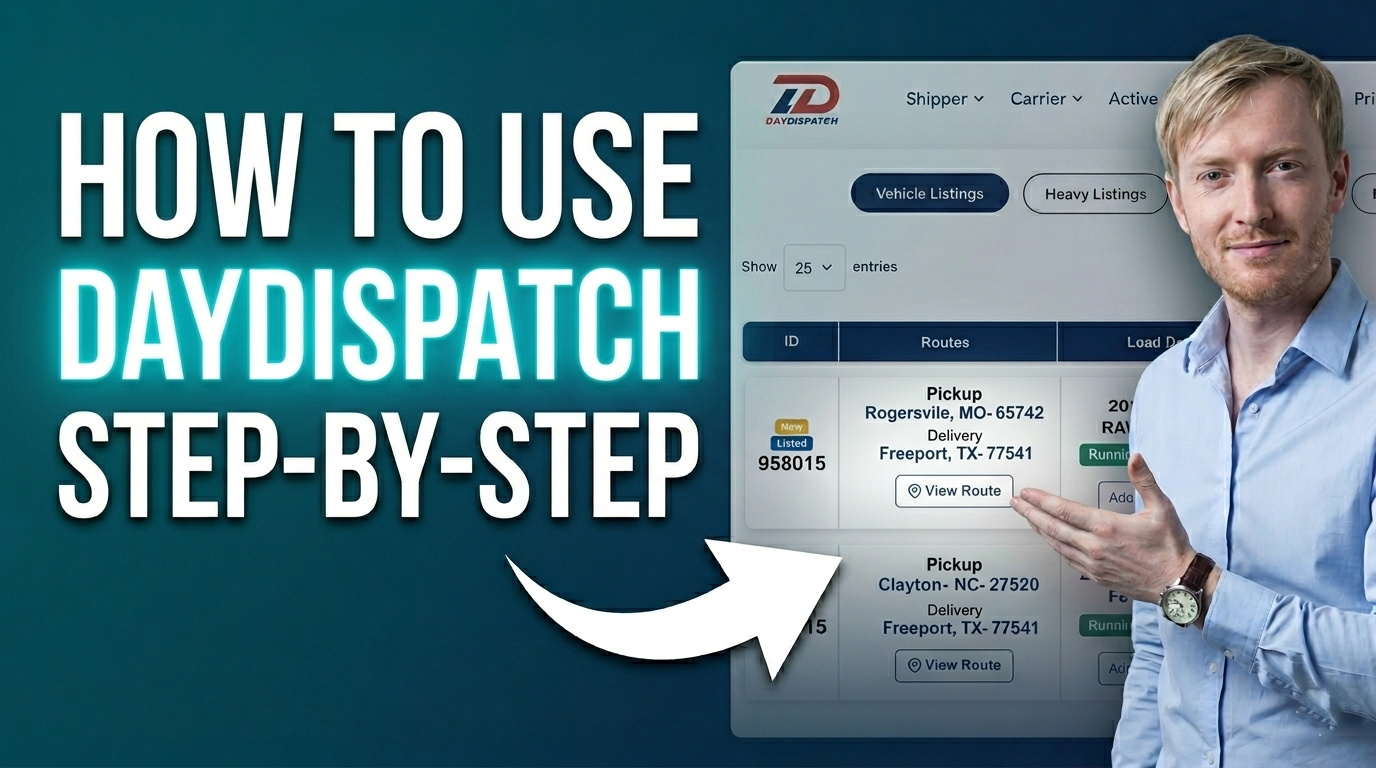
An overview of how users can access and review their billing details and subscription plans.
Learn More
An overview of how users can create and manage a heavy equipment listing on the platform.
Learn More
An overview of how users can create and manage a new freight load listing on the platform.
Learn More
An overview of how users can create and manage a new auto shipment listing on the platform.
Learn More
An overview of how users can access and review archived items within the platform.
Learn More
An overview of how users can maintain and organize their contacts within the address book.
Learn More
An overview of how users can access and review their personal profile information on the platform.
Learn More
An overview of how users can build and maintain their network connections within the platform.
Learn More
Quick steps to add, update, and manage your contracts efficiently from the settings.
Learn More
A comprehensive guide to help users understand how to effectively manage notifications on the platform, includ...
Learn More